Timesheets without paper
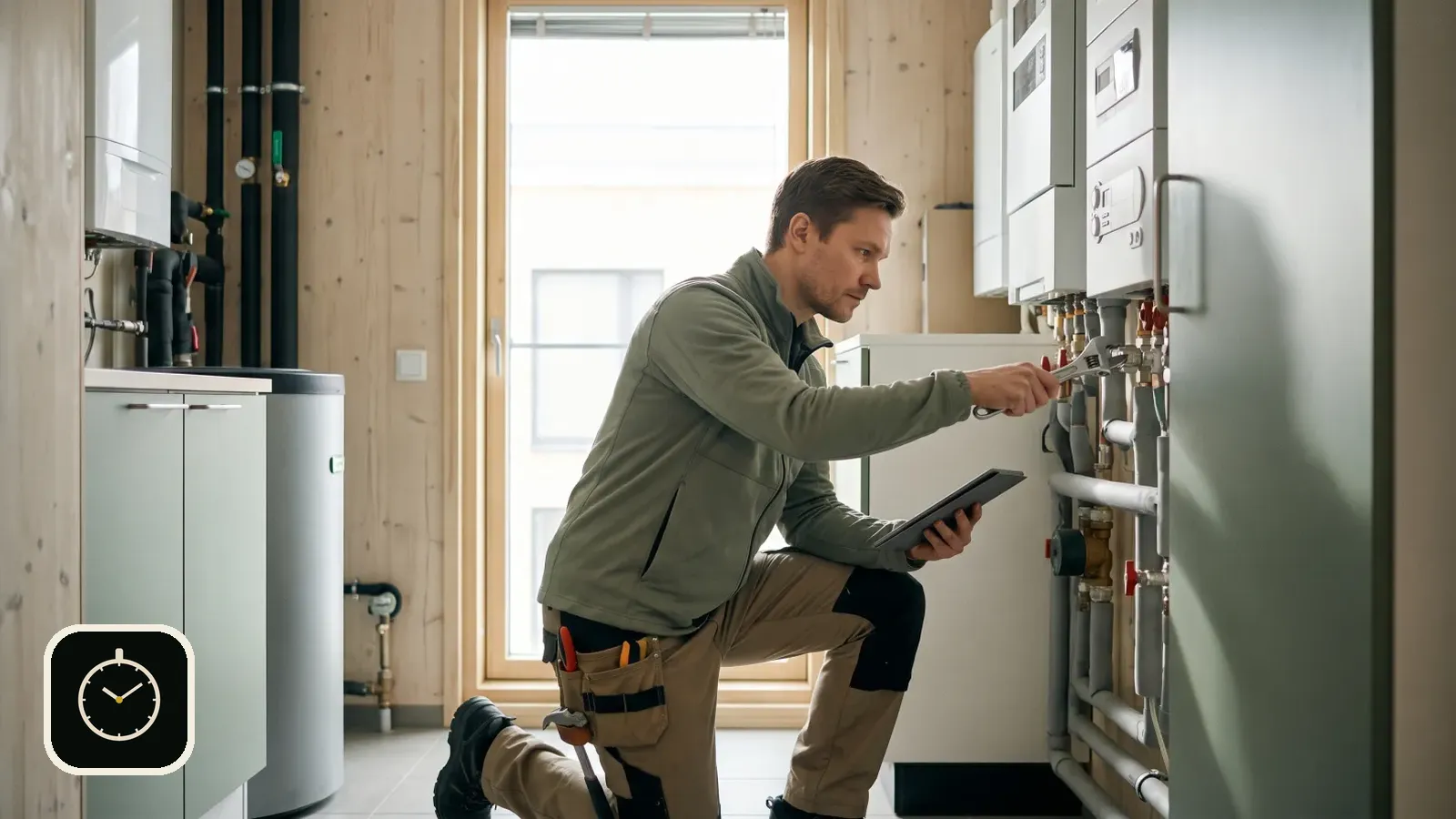
Timesheet admin is the part of the job nobody wants to do in the evening. Paper slips have to be collected, read and typed into a spreadsheet, and every step is a chance for a mistake. When hours are recorded on the phone straight away, the end of the month is about checking, not writing.
Published 2026-10-01
Where paper slips trip up
The slip is filled in after the fact, the handwriting is what it is, and slips get lost. In the office the hours are typed again into a spreadsheet and then moved to payroll. The same information is handled three times, and each time costs time.
The errors are usually small, a forgotten break or a day assigned to the wrong site. Added up over a month and a few workers, they make payroll and invoicing less reliable than they should be.
Moving from paper to phone
- Start with one site or one week so the habit has time to settle.
- Create the company in the app and share the join code with your workers.
- Agree that clocking happens on site, not at home in the evening.
- At the end of the month export the CSV and compare it with the old way. The difference shows what the paper missed.
The switch needs no training. The app has three views: Clock, History and Settings.
Record it where the work is done
In the Rax Time app each worker clocks in and out on their phone. The entry is assigned to a site and a work type, the break is deducted, and the day's work can be noted in a few words. Hours are calculated automatically.
The month in one view
With Rax Time Pro, the monthly calendar shows the days and hours. Holidays, sick leave and other absences go in the same calendar. Balance and overtime are calculated against your own daily norm, which you set yourself.
Export for payroll
The CSV export contains the date, type, site, start, end, break, hours, overtime, work types and note, plus the company and worker names. You can open the file in a spreadsheet or send it to your accountant. The printable timesheet is ready to sign.
Whose hours, and where
When the company has several workers, each records their own hours on their own phone and the owner sees the combined week. Data is also kept on the device, so a patchy connection does not lose entries. They sync when the connection returns.
The app was built for tradespeople who would rather spend the evening on something other than collecting slips. Automation is used so the data is ready, not so that the user has to learn a new system.
It works in Finnish, English, Swedish, German, French and Spanish. If you want hours to flow straight into project costs and invoicing, read Time tracking in construction without paper slips.
Record hours on your phone and leave the paper behind.
Download Rax Time on the App StoreFree to download. Works on iPhone.
Frequently asked questions
How do I get the hours out?
As a CSV file and as a printable timesheet. Both are part of Rax Time Pro.
Can I record absences?
Yes. Holidays, sick leave and other absences go in the monthly calendar.
Can a forgotten entry be fixed?
Yes. Start, end, break, site and work type can all be edited.
Read also: Time tracking on your phone · Time clock app for construction · All articles