Time tracking in construction without paper slips
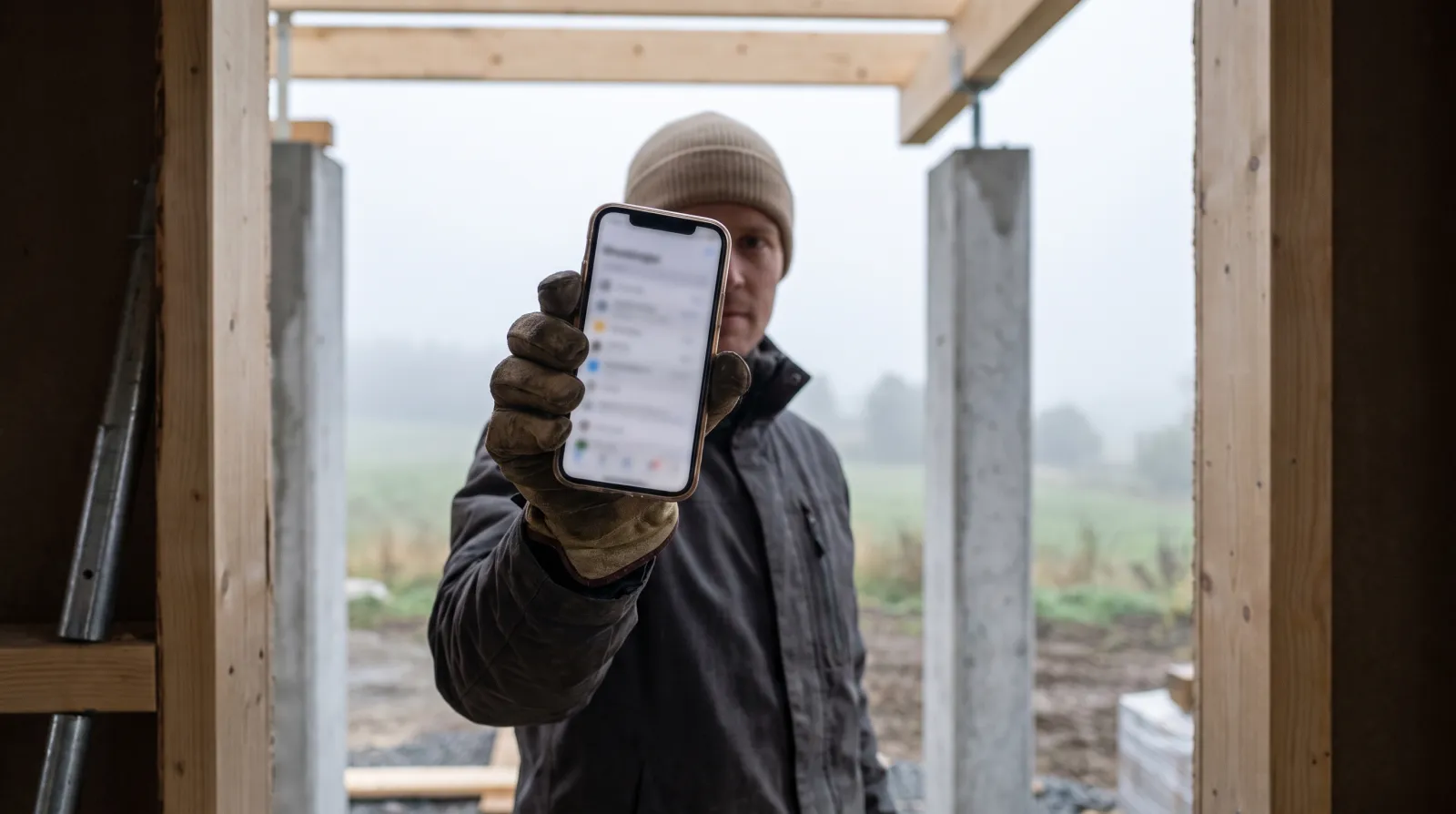
On a construction site hours pile up from many workers across many sites, and collecting them at month end is a job of its own. In Hub the time is clocked on a phone straight to the site, and the hours are ready — no slips, no back-calculation.
Published 2026-09-12
Clock in to the site with one tap
The worker taps Start on arrival and Stop on leaving, and the time is allocated to the right site. Location is stored if allowed. Hours no longer rely on memory but are recorded where the work happens.
The foreman sees the situation in real time
Management sees who is on which site right now and for how long. That helps resourcing and immediately reveals a clock left running or a site short of workers.
Approval before payroll
At month end the foreman reviews and approves the hours. Corrections are made before export, so payroll receives checked data rather than raw entries. Subcontractor hours can be logged separately.
Export to payroll and bookkeeping
Approved hours are exported monthly as a CSV to payroll or bookkeeping, and a Fennoa connector is available. The same hours also show in the site's costs, so profitability is visible during the work, not only afterwards.
Part of a larger whole
Time tracking in Hub is part of the same system as sites, quotes, invoices and the customer portal. An hour clocked to a site shows both in wages and in the site's margin without being entered twice.
FAQ
Does the worker need a separate device?
No. Clocking is done on their own phone in the browser or as a home-screen app. A shared QR clock-in point can also be placed on site.
Can location be tracked?
Location is stored at clock-in only if the worker allows it. Location is not tracked outside working time.
How do hours reach payroll?
Approved hours are exported monthly as a CSV. A Fennoa connector is available.
Can subcontractor hours be logged?
Yes, subcontractor hours can be logged and itemised separately.
Read also: Cleaning companies · AI-native · All articles