Time clock app for construction
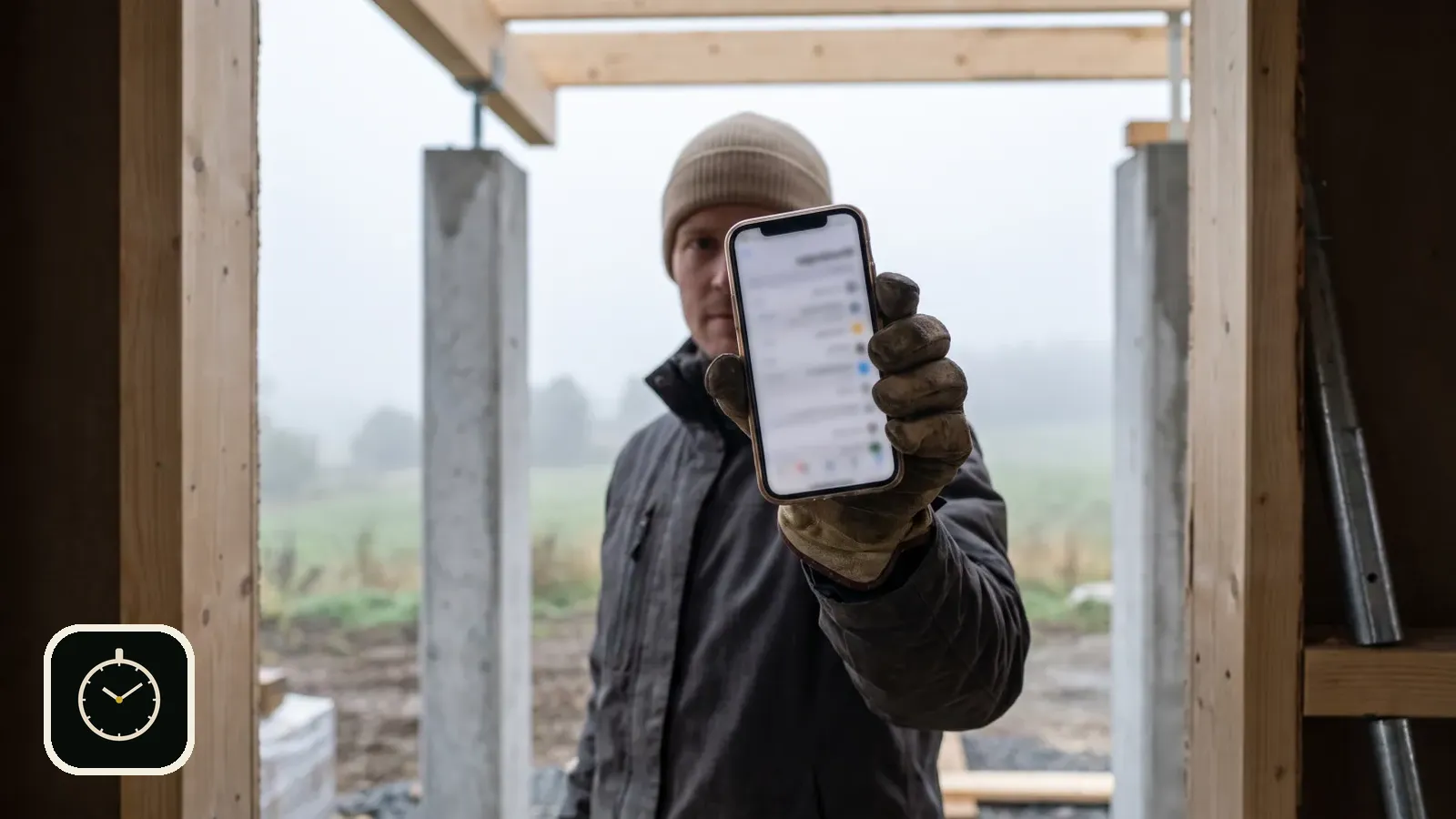
In many construction firms the timesheet is still a piece of paper filled in the van and signed at the end of the month. A time clock on the phone does the same job, but the hours are recorded straight away and against the right site.
Published 2026-10-01
What a construction time clock needs to do
On site, hours have to be assigned to a project, because the same worker is billed to several clients. The work type tells what was done, and breaks need to be deducted. At the end of the month you need a timesheet that the worker and the supervisor sign.
A paper system can do all of this, but it relies on people remembering. A phone time clock records the information when it happens, so the end of the month is a check rather than a reconstruction.
A day with the time clock
- In the morning, when you arrive on site, the app suggests starting if location is allowed. One tap and the clock runs.
- During the day you can change the site or work type if you move to another task.
- In the evening you clock out and, if you like, write a short note of the day's work.
- At the end of the month you print the timesheet, check it with the supervisor and both sign.
When entries are made during the day, the month-end check is quick. There is little to correct because the information was recorded while it was fresh.
How Rax Time works on site
You clock in when you arrive and pick the site, for example a housing company by name, and the work type, such as framing, boarding, painting or demolition. You can add your own work types in the settings. Each entry can carry a short note of the day's work in your own words.
If location is allowed, the app saves it when you clock in and out and suggests starting when you arrive at a familiar site. If someone forgot to clock out, the entry can be corrected afterwards.
A timesheet ready for signatures
Rax Time Pro creates a printable timesheet showing the company, the worker, the days, the sites, the work done and the total, with spaces for the worker's and the supervisor's signatures. The same data is available as a CSV file for payroll.
Balance and overtime are calculated against your own daily norm on the days that have entries. The monthly calendar holds holidays, sick leave and other absences.
The whole crew in one view
The owner or site supervisor creates a company and shares a six-character join code. Workers join with the code on their own phones, and the owner sees who is clocked in and how many hours the week has collected. The data is always kept on the device as well.
Built for site work
Rax Time was made for construction and service trades: large buttons, few choices, and it works with one hand. The app runs in Finnish, English, Swedish, German, French and Spanish, which helps on sites where the crew speaks more than one language.
For wider time tracking with projects and invoicing, see Time tracking in construction without paper slips.
Take the time clock with you to site.
Download Rax Time on the App StoreFree to download. Works on iPhone.
Frequently asked questions
Can workers use their own phones?
Yes. Each worker installs the app and joins the company with the code.
What does the timesheet show?
Company, worker, days, sites, breaks, work done and the total, plus spaces for signatures.
Which languages are supported?
Finnish, English, Swedish, German, French and Spanish. The language follows the device and can be changed.
Read also: Time tracking on your phone · Timesheets without paper · Time tracking in construction