Time tracking on your phone for service businesses
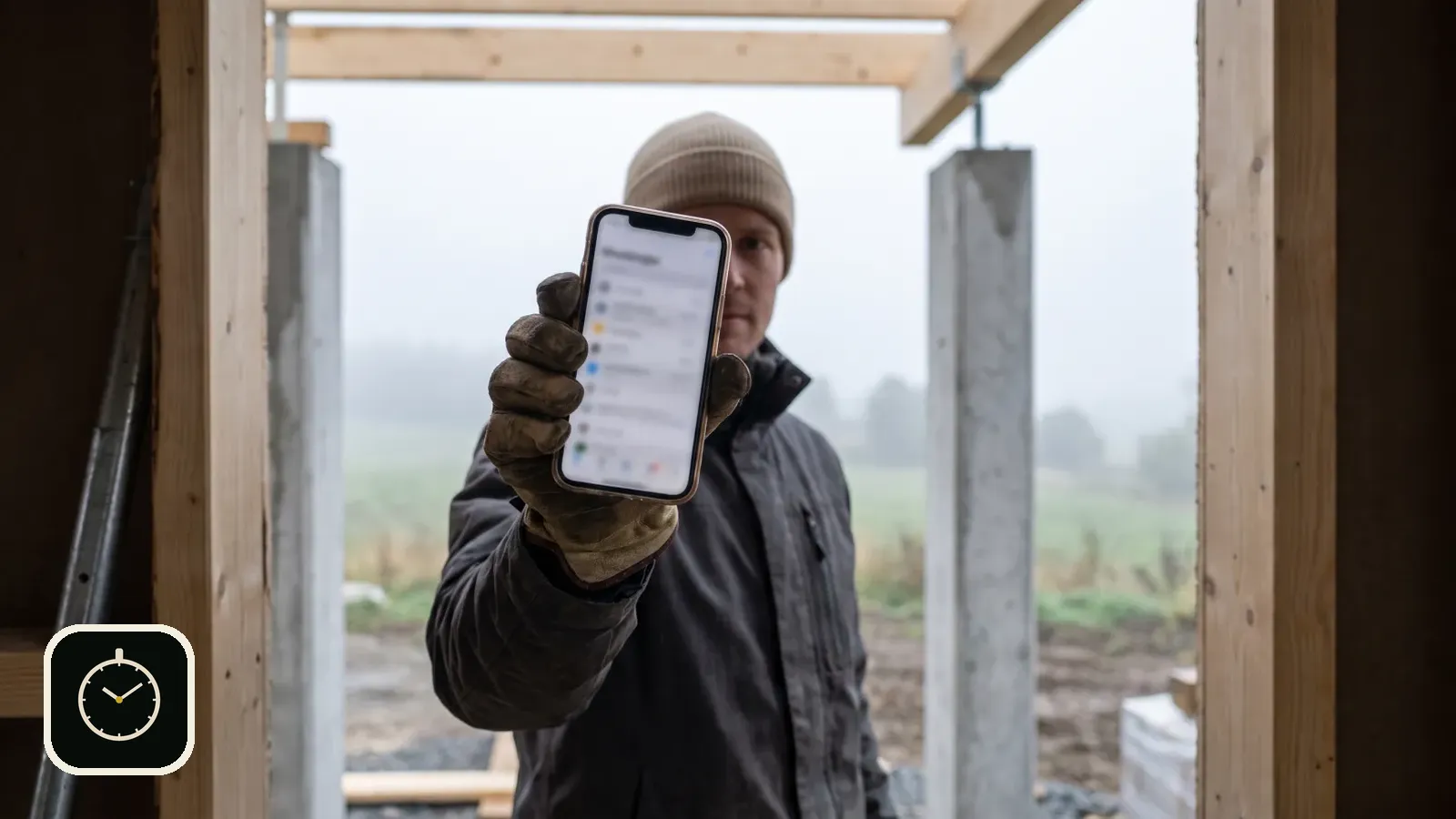
In a service business, working hours are often written down from memory on Friday or at the end of the month. Hours go missing and billable time becomes guesswork. Your phone is already in your pocket, so the time can be recorded where the work happens.
Published 2026-10-01
The problem is remembering, not the hours
When the day is spread over three sites with a trip to the hardware store in between, few people remember in the evening exactly where the time went. The paper slip stays in the van, and the spreadsheet is filled in afterwards. The result is a total nobody fully trusts.
For the business owner this shows up twice. Payroll is based on a rough number, and the hours that should be invoiced to the client are smaller than the work that was actually done.
Set up in a few minutes
- Download Rax Time from the App Store and enter your name. The company name can be added now or later.
- Choose whether you use the app on your own, create a company or join with a code.
- Add your own work types, for example painting, installation or maintenance.
- Clock in when work starts. You can add the site straight away or in the evening.
After the first week you will see where the time really went. That helps with pricing too: when you know how long a certain kind of job takes, the next quote is easier to write.
Clock in with one button
Rax Time is a time clock for your phone. You tap Clock in when work starts and Clock out when you stop. Each entry can be assigned to a site and a work type, such as painting, demolition or cleaning. If the site is not clear yet, the hours alone are enough and you can set the site later.
If you allow it, the app saves the location when you clock in and out and suggests starting work when you arrive at a familiar site. Location is optional, and clocking works without it.
The week at a glance
The clock view shows today's entries, this week's hours and this week's sites. History shows earlier days, and you can fix an entry if you forgot to clock out.
On your own or with a team
You can use the app on your own, and the data stays on your phone. When you have employees, you create a company and get a join code. Each employee enters the code in their own app, and the owner sees the company's weekly hours in one place.
Timesheet and export for payroll
With a Rax Time Pro subscription you get a printable timesheet for signatures, CSV export for payroll, a monthly calendar with absences, and balance and overtime against your own daily norm. Clocking and sites work without a subscription.
The app was built for people who spend their days on site, not in an office. That is why it has few buttons and most things ready to use. It works in Finnish, English, Swedish, German, French and Spanish.
If your company needs sites, quotes and invoicing in the same place as working hours, read also time tracking in construction with Hub.
Clock your first working day on your phone today.
Download Rax Time on the App StoreFree to download. Works on iPhone.
Frequently asked questions
Is the app free?
Clocking, sites and weekly hours work without a subscription. Timesheets, CSV export, the monthly calendar and balances are part of Rax Time Pro.
Does it track location all the time?
No. Location is saved only when you clock in and out, and only if you allow it.
Does it work without a connection?
Entries are saved on the phone. If you use the cloud, they sync when the connection returns.
Read also: Time clock app for construction · Timesheets without paper · All articles