Payment reminders for service businesses: see overdue invoices and remind from the invoice
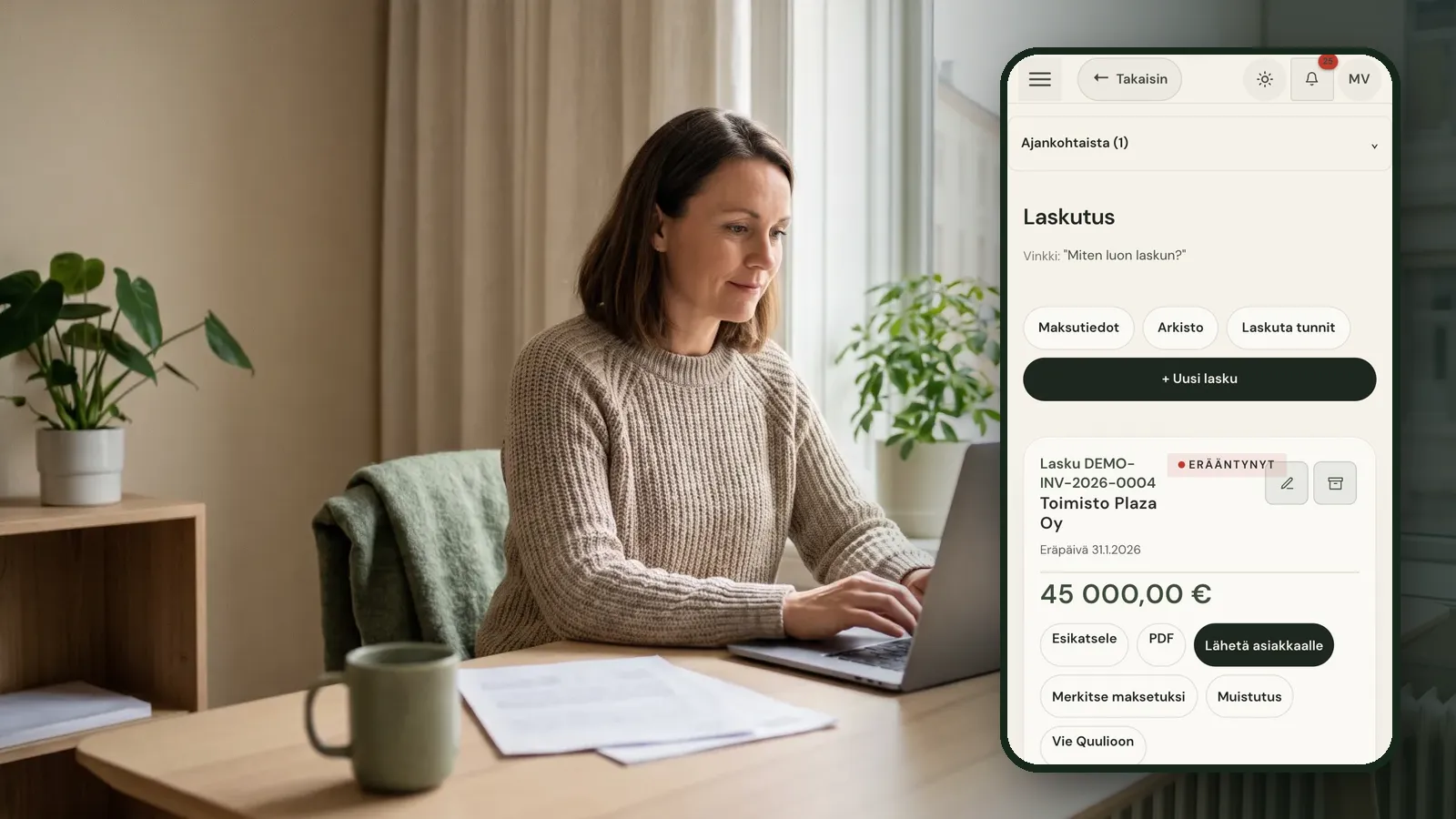
In a service business, a late invoice is often noticed only when there is less money in the account than expected. By then the reminder goes out weeks late and the client has forgotten the invoice altogether.
Published 2026-10-01
Why reminders do not get sent
It is rarely because the owner does not want to chase payment. Finding overdue invoices means comparing the bank with the invoicing tool, and writing the reminder feels awkward. When a busy week gets in the way, the task slides.
Late payment rules set out what you can charge for a delay. They do not help, though, if nobody notices the invoice is late in the first place.
There is also a cost that does not show on any statement: the time spent working out who owes what. For a firm of a few people, that time comes straight out of billable work or evenings.
How payment reminders work in Raslak Hub
- Overdue invoices are clearly flagged in the invoice list, so you see the late ones at a glance.
- Each invoice has a Reminder button that emails a payment reminder to the client. The system keeps count of which reminder this is.
- You can ask the Rax assistant which invoices are overdue. Rax lists them and asks before anything is sent.
- When payment arrives, you mark the invoice as paid and the status updates for everyone.
Because invoices in Hub are created from a quote or from logged hours, the details are already there for the reminder. There is nothing to gather separately.
The same question to Rax works in plain language from any view in the portal, so checking overdue invoices can become part of a Monday routine rather than a monthly chore.
Prevention helps most
Many late payments come from uncertainty: the client does not recognise the invoice or disagrees with what is on it. When the quote has been approved in the client portal and extra work approved before invoicing, there is less to question. The client can also see their invoices in their own portal.
Clear invoices also help. An invoice built from logged hours and agreed quote lines tells the client exactly what they are paying for, which removes a common reason to put it aside for later. Hub was built inside a working service business, so the invoice reflects how the work was actually done.
See your own invoices in a new view
Try Hub for 14 days without a payment card. Bring in a few open invoices and see which of them need a reminder.
Seeing the list in one place is often enough to show how much money is waiting to come in.
Frequently asked questions
Is a reminder ever sent without my approval?
No. A reminder is sent when you press the Reminder button on the invoice or approve Rax's suggestion.
Can clients see their invoices in a portal?
Yes. Clients have their own portal where they can see their invoices and the quotes they have approved.
Can I charge fees for a reminder?
Fees for late payment are set by national law, and limits usually differ for business and consumer clients. Check the current rules in your country.
How do I see which invoices are overdue?
Overdue invoices are clearly flagged in the invoice list, and you can ask the Rax assistant to list late invoices directly.
In Raslak Hub: Invoicing · Client portal · Quotes · All articles