Digital work orders: from request to invoice without paper
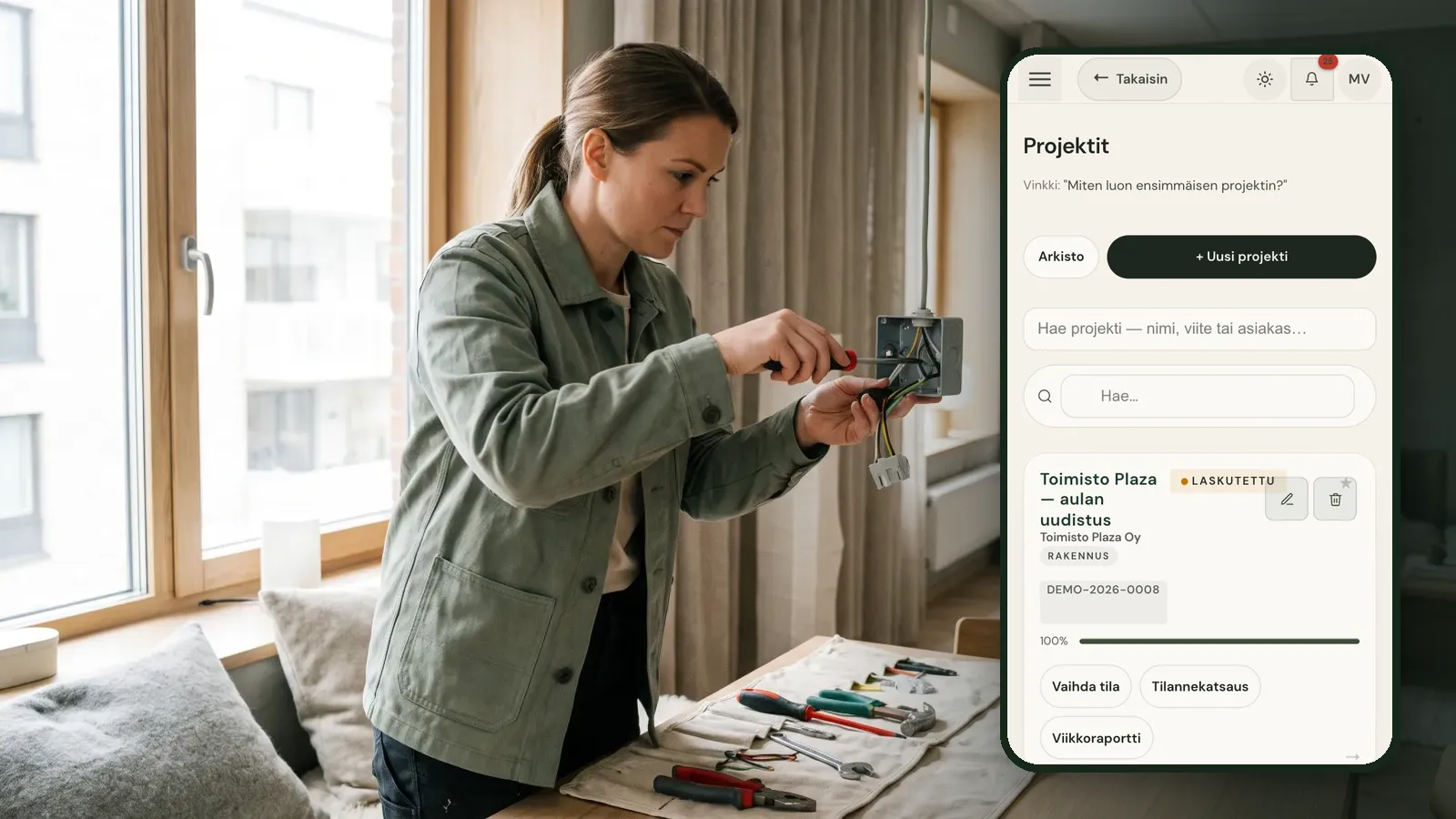
The work order is the everyday backbone of a service business: what needs doing, for whom, where, and who does it. On paper or in an email thread it works until you have several jobs a day and the details have to travel from the field to the office and on to an invoice.
Published 2026-10-01
Where paper work orders break down
The usual chain looks like this. A client calls, someone writes the request down, the technician gets a text message and reports in the evening what was done. Whoever does the invoicing pieces it together a week later. At every step, something can fall through the cracks.
The second problem is price. If the client has not approved an estimate before the work starts, the invoice turns into a negotiation. Extra work agreed verbally on site often never makes it onto the invoice at all.
The third problem is visibility. When a client calls to ask about a job, the office has to phone the technician to find out. That costs time on both ends and leaves the client with the impression that nobody quite knows what is going on.
How a work order moves in Raslak Hub
- The client submits a request in their own client portal, or you log it yourself. You define the request types, such as maintenance, fault, extra work or warranty.
- You set a priority and assign the request to a technician. The technician sees the jobs assigned to them on their phone.
- You can add a price estimate that the client approves or rejects in the portal before the work begins. The decision stays in the request history.
- The technician updates the status (received, in progress, waiting, resolved) and writes a description of the work done. Comments stay in the same thread.
- A finished job is moved to an invoice with one action, and the system prevents the same request from being invoiced twice.
The technician can send the client an email saying they are on the way. That cuts down on calls asking when someone will turn up.
Who this suits
Digital work orders pay off for businesses with many short visits: property maintenance, cleaning, installation and service firms, IT support and grounds maintenance. Hub was built inside a working service business, and AI has been part of it from the start rather than added later. You can ask the Rax assistant, for example, which requests are still open.
You do not need to change everything at once. You can start by moving only incoming requests into Hub and keep the rest of their routine as it is for the first weeks. Once requests, approvals and invoicing run through one place, the next step tends to be time tracking on the same jobs.
Try it on your own jobs
A practical way to judge is to run one week of requests through Hub and see whether the information flows without anyone relaying it by phone. The trial lasts 14 days and needs no payment card.
Frequently asked questions
Can clients submit work requests themselves?
Yes. Clients have their own portal where they can submit a request, follow its status and approve a price estimate.
Do technicians only see their own jobs?
Yes. A technician sees requests assigned to them and those they created. The main user sees everything.
How does a work order end up on an invoice?
A finished request is moved to an invoice with one action. A request that has already been invoiced cannot be invoiced again.
In Raslak Hub: Field service · Client portal · Invoicing · All articles