Landscaping and grounds maintenance: seasonal work, routes, invoicing
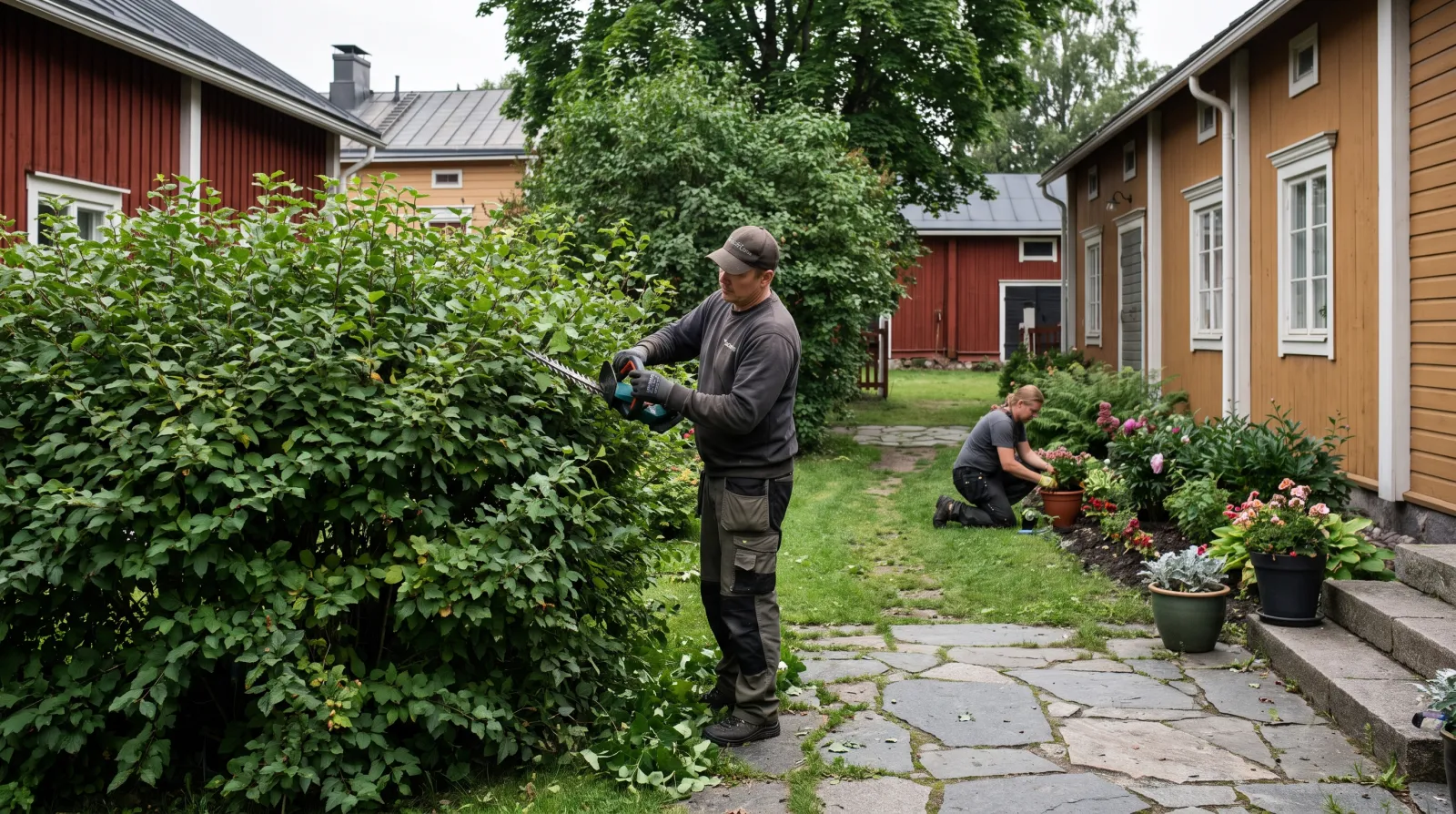
A grounds business runs on seasons: spring clean-ups and planting, summer mowing, autumn leaves, winter snow and gritting. There are dozens of sites and they rotate weekly. Hub turns the season into a list, the day into a route and the month into an invoice.
Published 2026-09-05
Seasonal tasks per site
Every site — a housing company, a business yard, a private garden — gets a seasonal checklist: what is done every visit and what once a season. At the start of the season the list is activated, and the worker ticks items on the phone during the visit. When the housing company board asks whether the hedges were cut, the answer is on the site with photos.
The day's route on a phone
The supervisor assigns the day's sites to crews, and each sees their own in order. On site they press Start, on leaving Stop, and hours land on the site. The calendar shows which sites are due this week and which were postponed by rain. A postponed visit does not disappear — it is next on the list.
Materials and machines to the site
Soil, seed, grit and plants are logged to the site as materials, and Hub's price comparison fetches them from seven suppliers. Machine hours — tractor, ride-on mower — are logged as their own line. On the invoice everything is separate: labour, materials, machines. The supervisor sees the site's margin before invoicing.
Contract invoicing and one-off jobs
Housing companies and businesses are invoiced on a seasonal contract, and Hub prepares the invoice. One-off jobs — a garden design, paving, fence installation — are quoted in Hub with lines, the client accepts from a link, and the accepted quote becomes a job and an invoice. Extras, such as removing a storm-felled tree, are approved by the client on their phone before invoicing.
Photos before and after
In grounds work the result is visible, and a before-and-after photo is the best sign-off. Photos are stored on the site and shown to the client in the portal. For a housing company board this replaces the seasonal report: visits, checklists and photos are in the portal without anyone compiling them.
Winter and on-call
Snow clearing and gritting are time-critical: sites must be covered in an agreed order and each visit must be verifiable. The time clock's location and timestamp do that. On-call visits are logged as extras and invoiced per the contract. In the morning brief Rax tells you which sites have not been covered.
Price and getting started
69 euros a month includes the main user, each additional user 22 euros. Seasonal staff are added at the start of the season and removed at the end — you pay only for active users. Trial 14 days.
No setup fee, no commitment. Field staff learn it on a phone in minutes.
Try free for 14 daysSee the demo without signing upFrequently asked questions
Can a seasonal worker be added just for the summer?
Yes. Users are added and removed at any time, and billing changes with them.
How is a snow-clearing visit verified?
The time clock's timestamp and location are stored on the site, and the visit is visible to the client in the portal.
Can the housing company board see the visits?
Yes. With a portal login the board or property manager sees visits, checklists, photos and invoices.
Is Hub only for construction?
No. It is built for service businesses with sites, visits and invoices — grounds maintenance is exactly that.
Read next: Built on site, not in an office · Field service · Material prices · Client portal