Managing subcontractors as part of project field operations
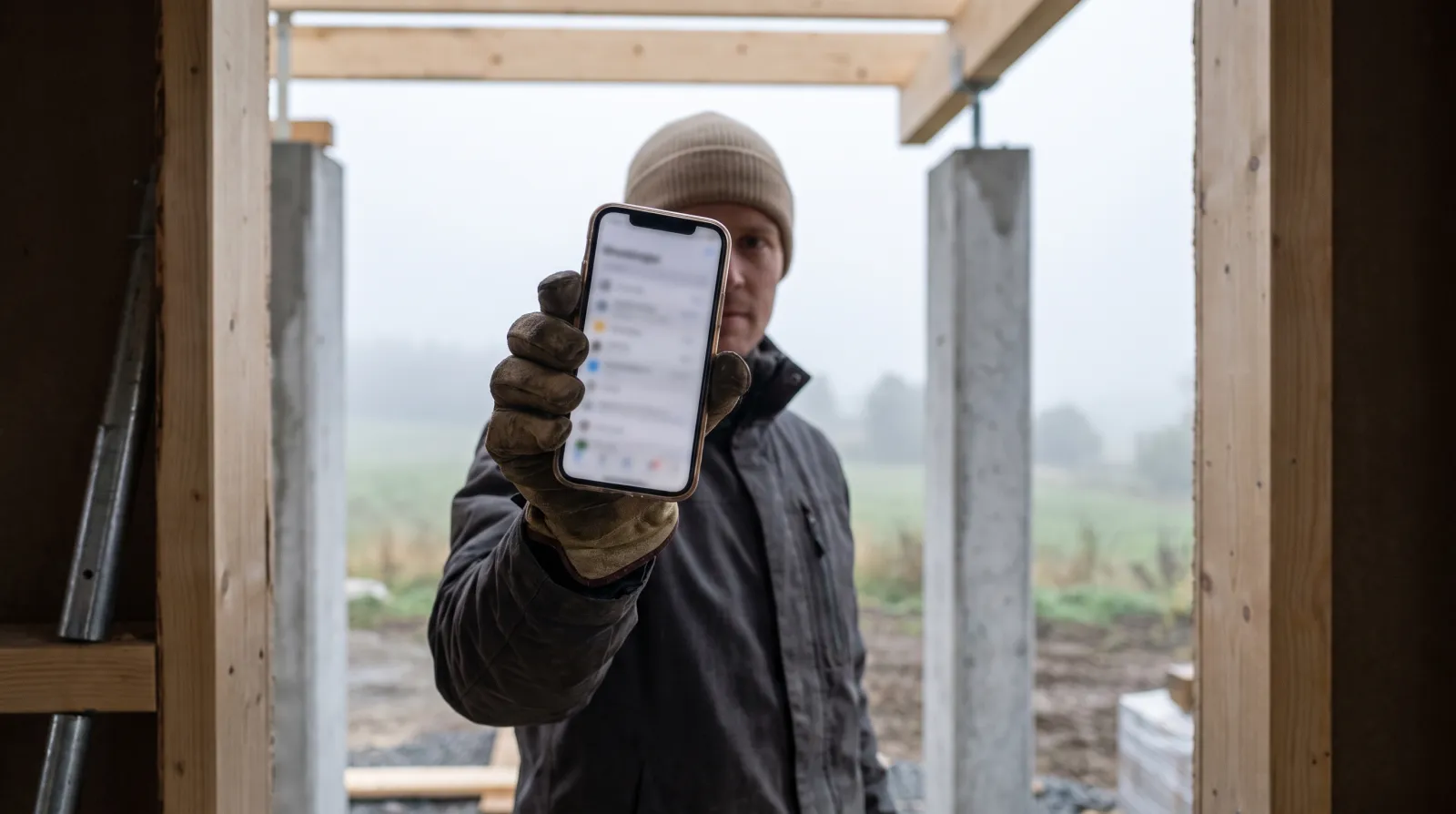
In a construction project, several parties are often working at the same time: your own crew, subcontractors and individual specialists. When coordination happens over email and phone calls, information scatters and mistakes happen exactly when there is no time for them. Raslak Hub brings all parties into one view without separate systems.
Published 2026-09-28
Adding subcontractors to a project from the start
When you open a project in Hub, you can add subcontractors directly as parties to it. Tasks are assigned to them the same way as to your own crew: site, work phase, schedule and any instructions needed.
The subcontractor sees the tasks assigned to them in their own view and does not need a separate email thread or phone call to find out what to do. The site manager sees the status of all parties in one place.
This is especially useful on projects where plumbing, electrical or painting subcontractors are working simultaneously across different phases. No one is left waiting for information.
All progress visible in one view
A subcontractor marks a task complete from their own phone. The site manager sees the update immediately and does not need to call around or wait for the next meeting.
When reinforcement work is done and concreting can begin, for example, the information moves into the project view without a separate report. The next phase can start on time.
Deviations are logged in the same place: if a subcontractor hits an unexpected obstacle or needs approval for extra work, they log it with a photo on the task. The information does not get lost in a text message.
Hour tracking for subcontractors
A subcontractor clocks hours on the phone to the site, exactly as your own staff do. The site manager sees accumulated hours in real time by project.
At the end of the month, the subcontractor's hours are already in the system and do not need to be gathered separately from emails or spreadsheets. This speeds up both invoicing and cost tracking.
Knowing exactly how many hours a subcontractor has worked on each phase keeps project budget monitoring realistic throughout the whole job.
Invoicing runs through the same system
The main contractor's and subcontractors' invoicing flows through the same system. Work done and hours logged by a subcontractor are visible by project, making invoice checking straightforward.
Extra work is recorded on project tasks and carries over to the invoice template as its own line items. Separate spreadsheet summaries are not needed because all information is already stored correctly.
This reduces coordination errors in situations where several subcontractors send their own invoices at different times and in different formats. The overall picture stays clear.
Fewer coordination errors in practice
One of the most common problems on a construction site is that information does not reach all parties in time. A subcontractor starts work in the wrong order or waits for an approval that is buried in an inbox.
When tasks, hours and approvals are in the same system, unnecessary waiting is reduced. The site manager can react quickly because the information is visible immediately, not just the following day.
This matters most on projects where the schedule is tight and every delay affects the next phase.
Price and getting started
Raslak Hub costs 69 euros a month for the main user and 22 euros for each additional user. Subcontractors are added as users in the same way.
The trial is 14 days with no commitment and no setup fee. You can add your first project and subcontractors on the same day you start.
FAQ
How does Raslak Hub manage subcontractors and external specialists as part of project field operations?
In Raslak Hub you can add subcontractors to projects, assign tasks to them and track progress in one shared view without separate email threads. This reduces coordination errors especially on construction projects where multiple parties are working at the same time. Invoicing and hour tracking flow through the same system for both the main contractor and subcontractors.
Can a subcontractor use their own phone?
Yes. Hub runs in the browser and as an app on the home screen of any phone. The subcontractor does not need a separate device or installation.
Are subcontractor hours visible separately by project?
Yes. Hours are logged by project and you can follow each party's accumulation separately. This makes both cost tracking and checking a subcontractor's invoice straightforward.
Read also: Cleaning companies · AI-native · All articles