Field Work Without a Signal: Offline Support in Mobile ERP
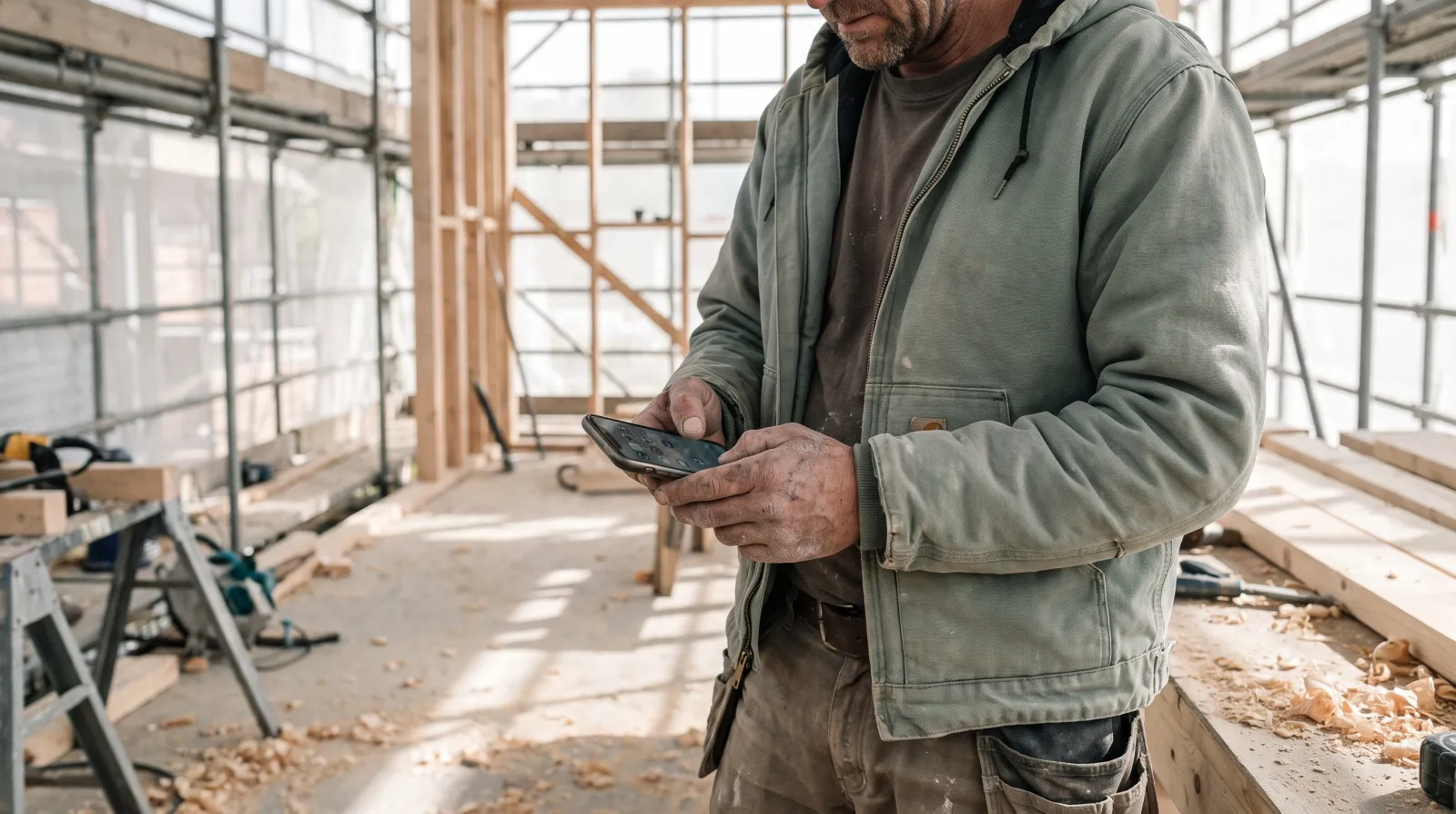
A signal drops at exactly the wrong moment: in a basement, on a roof, at a remote site, or in a new building before the operator has connected the line. When a mobile tool stops working the moment the connection goes, field work either halts or gets written on paper and re-entered back at the office. Raslak Hub is built so that situation does not stop the work.
Published 2026-09-28
The practical problem offline support solves
Construction sites and property locations are rarely ideal for network coverage. Signal can be weak in underground spaces, behind thick concrete walls in older buildings, or at remote sites where operator coverage is unreliable.
When a tool only works with a connection, the worker writes things down on paper and transfers them later. That means doing the same job twice, and there is always a risk that entries get forgotten or mixed up - especially at the end of a long day.
What you can do without a connection
In Raslak Hub, inspections, reports and time entries all work without a connection. The worker opens the site details on their phone, logs hours, fills in an inspection form and takes photos - everything saves locally to the device.
On a property round, that means the maintenance person can mark each checkpoint as done, attach a photo of a fault and add a comment without the quality of the signal affecting how the work flows. Site details, instructions and previous entries are readable on the phone in offline mode too.
On a construction site, the worker can clock in to the site first thing in the morning even if the site's wireless network is not yet running. The entry is stored and appears to the site manager as soon as the connection comes back.
Automatic sync when the connection returns
When the network connection comes back, Raslak Hub syncs all offline entries automatically. The worker does not need to remember to trigger a sync or check whether the data transferred.
The site manager sees the updated picture straight after sync: which inspections are done, what observations have been logged and how many hours have accumulated on each site. That keeps the oversight view current without the worker needing to send a separate report.
Inspections and documentation in real field conditions
In property maintenance and construction, inspection documentation is often mandatory: an authority, client or insurer may require a clear paper trail of completed inspections. When an inspection is logged on the phone at the location rather than recalled from memory at the office later, the record reflects what actually happened.
A photo of a finding is clearer than a text description alone. The worker photographs a defective structure, logs the observation on the form and the inspection is complete - all without needing a working connection at that exact moment.
Completed inspection reports and photos stay stored under the site record. If a client or owner asks about an inspection later, the information is in one place rather than buried in an email thread or a folder structure.
Any phone works, no separate app needed
Raslak Hub runs in the browser and can be installed on the home screen as an app on any phone. Workers do not need to download anything from an app store, and the same interface works on both Android and iOS devices.
That is a practical detail when a crew includes several people with different phones. One shared tool works for everyone without compatibility issues.
Trial and getting started
Raslak Hub costs 69 euros a month for the main user, and each additional user is 22 euros. The trial is 14 days with no setup fee and no lock-in.
Getting started needs no consultant: you add sites, invite the crew and log the first shift on the same day. You can test the offline functionality on your very first real site.
FAQ
Does Raslak Hub work reliably without a network connection - for example on a construction site or a property round?
A network connection is not always guaranteed in field work. Raslak Hub is designed for the real conditions service professionals work in: inspections, reports and time entries all work without a connection, and data syncs automatically when the connection returns.
Can a worker use their own phone?
Yes. Hub runs in the browser and as an app on the home screen of any phone.
Does the site manager see the current situation in real time?
Yes. When the worker's phone syncs after the connection returns, the site manager sees the updated picture: completed inspections, logged observations and hours accumulated on each site.
Read also: Cleaning companies · AI-native · All articles